What Is SnapTikTok and Why Use This TikTok Downloader?
SnapTikTok is an online TikTok video downloader that runs directly in your browser. Unlike many Snaptik clones that bury the page in pop-ups, our tool does one job well: it takes a public TikTok URL and gives you a downloadable file. Nothing to install, nothing to sign up for. It works the same way on iPhone, Android, Windows, Mac and Linux.
People use a TikTok downloader for many reasons. Some save a recipe or workout to watch offline. Others keep a backup of their own videos after losing the original file. Editors collect reference clips, and many users simply want to share a funny video on WhatsApp, Telegram or Instagram without the moving TikTok logo covering the picture. If any of that sounds familiar, you are in the right place.
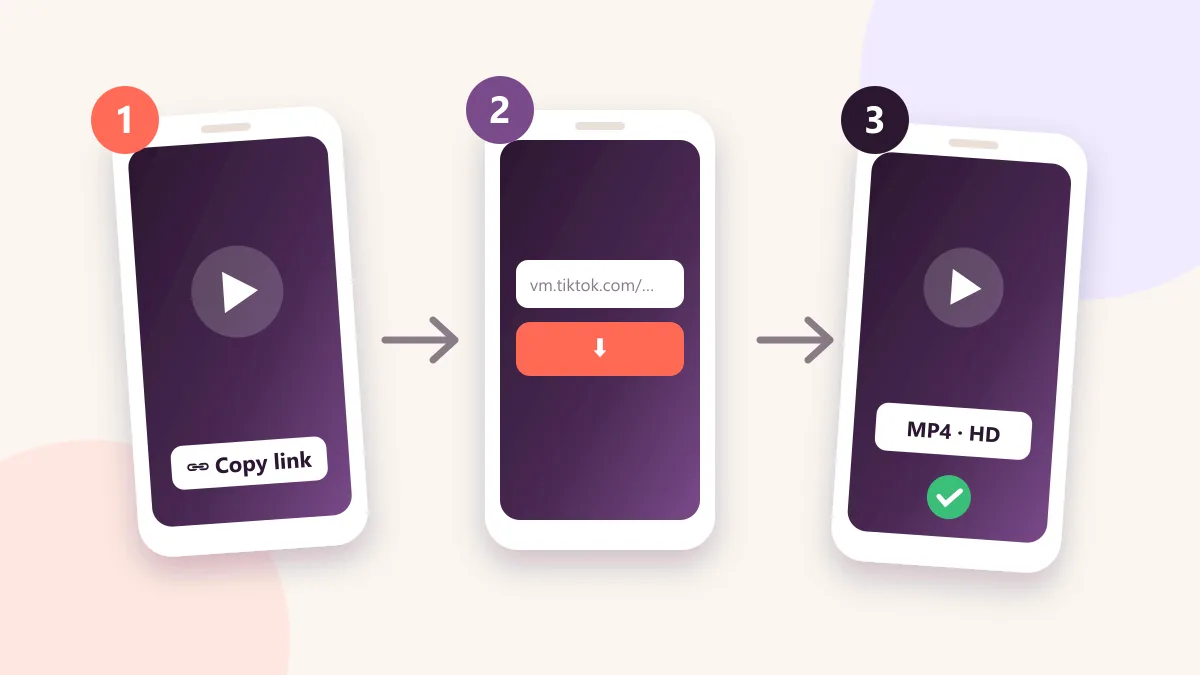
How to Download TikTok Videos Without Watermark in 3 Steps
Step 1 – Copy the TikTok video link
Open the TikTok app or website, find the video, tap the Share button and choose Copy Link. Short links such as vm.tiktok.com and full links from tiktok.com both work.
Step 2 – Paste the link into SnapTikTok
Return to this page, paste the URL into the box at the top and tap the Download button. Our server reads the video and prepares the available formats in a few seconds.
Step 3 – Save the MP4 file
Choose “Download MP4 (No Watermark)” or the HD option. The file is saved to your gallery or Downloads folder, ready to watch offline, edit or share.
Key Features of Our Snaptik-Style TikTok Downloader
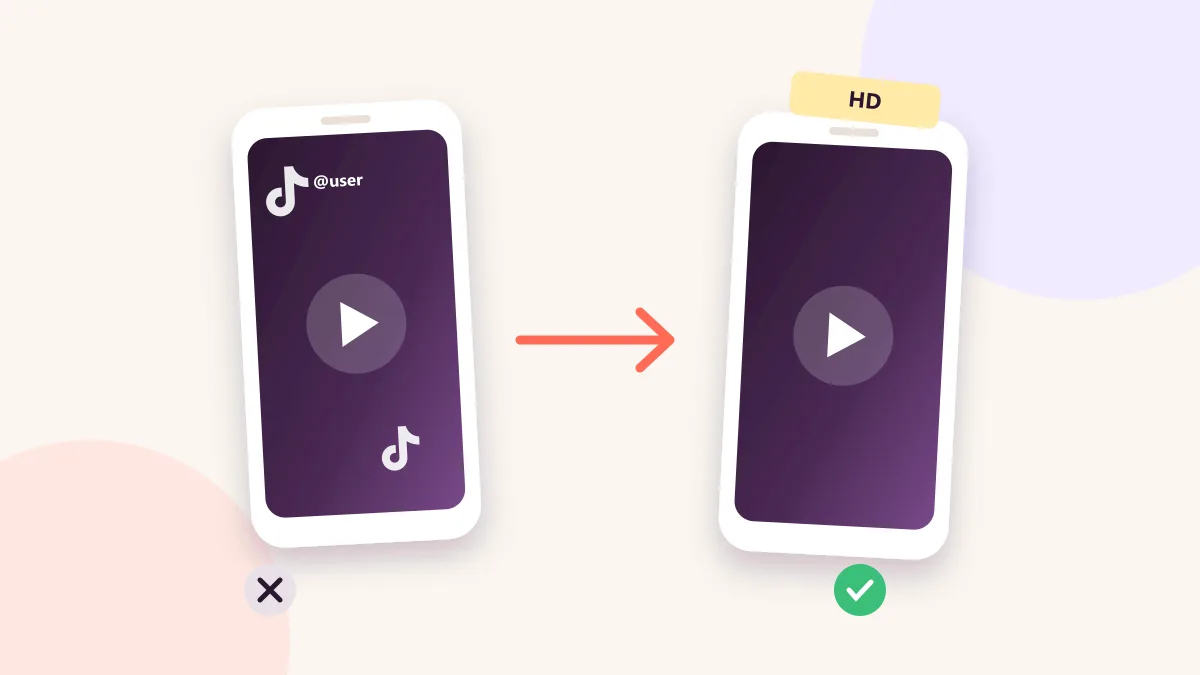
Download TikTok without watermark
The main reason people search for snaptik is to remove the TikTok watermark. SnapTikTok fetches the original video file, so you get a clean clip with no logo and no username overlay bouncing around the screen.
HD and Full HD quality
We keep the original resolution whenever TikTok provides it. You can download TikTok in HD, 1080p where available, and keep sharp video for editing, reposting or watching on a big screen.
TikTok to MP3 converter
Need only the sound? Use the MP3 option to extract the audio from any TikTok video. It is perfect for saving trending songs, voiceovers, podcasts clips and original sounds.
Free, unlimited and no registration
There is no daily limit, no subscription and no account. You can download as many TikTok videos as you like, whenever you like.
Fast servers and clean design
Our TikTok video downloader is built for speed. Most downloads start in under five seconds, and the page stays light so it loads quickly even on slow mobile data.
Private and safe
We do not ask for your TikTok password and we never need access to your account. You only paste a public link, and that is all we use.
Download TikTok Videos on iPhone, Android and PC
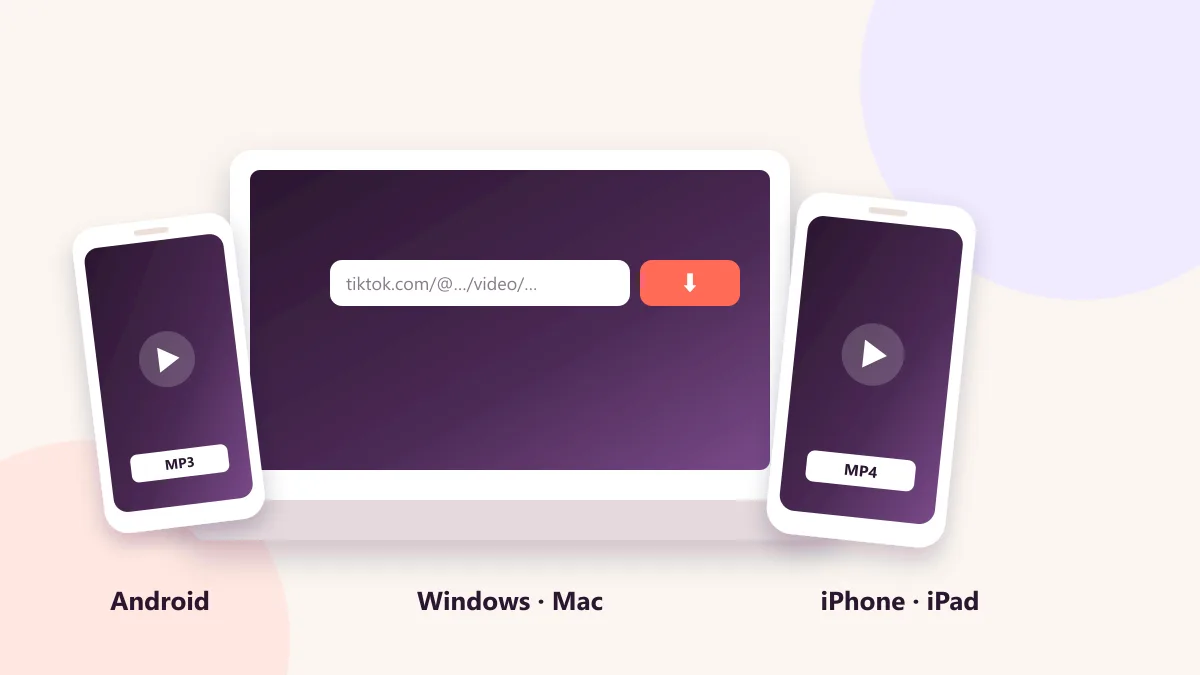
TikTok downloader for iPhone and iPad
On iOS 13 and later, open SnapTikTok in Safari, paste the link and tap Download. The file is saved in the Files app under Downloads, and you can move it to Photos with one tap on Share, then Save Video.
TikTok downloader for Android
Open the site in Chrome or any modern browser, paste the link and press Download. The video lands in your Downloads folder and usually appears in your gallery immediately.
TikTok downloader for Windows, Mac and Linux
On a computer, paste the link and click Download. Right-click the video and choose Save As if your browser opens it in a new tab. No software, extension or app is required.
TikTok to MP3 – Download TikTok Sound and Music
Many viral clips are popular because of the audio, not the picture. With our TikTok to MP3 tool you can convert a TikTok video to an audio file and keep the song, voice or sound effect for your playlist, ringtone or video project. Paste the link, choose Download MP3, and the audio file is ready within seconds. Please respect the rights of artists and creators when you reuse their music.
TikTok Slideshow and Photo Downloader
TikTok photo mode posts are not ordinary videos, but SnapTikTok still handles them. Paste the slideshow link and you can save the images one by one or download the slideshow as a video with its original music. This is useful for saving tutorials, travel guides, outfit ideas and recipe cards.
TikTok Story Downloader
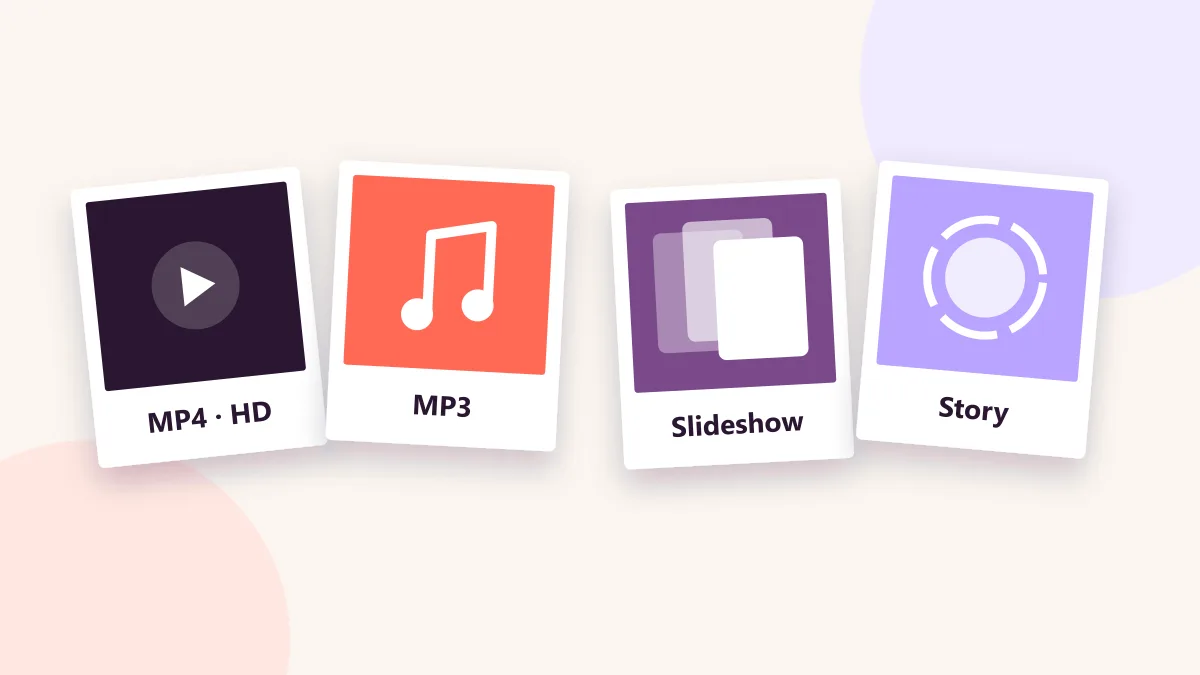
TikTok stories disappear after 24 hours, but you can keep a public one before it goes. Open the story, tap Share, copy the link and paste it into the box above. SnapTikTok reads it like any other post: a video story downloads as MP4 without watermark, and a photo story is saved as an image. Stories from private accounts can’t be downloaded.
SnapTikTok vs Other TikTok Downloaders
There are many TikTok downloader websites, and not all of them are equal. Some force you to install a suspicious app, some add their own watermark, and others redirect you to unrelated ads after every click. SnapTikTok follows a simple rule: fewer clicks, cleaner results.
Here is what you get with SnapTikTok: no watermark on the final file, no forced app install, direct MP4 and MP3 downloads, a mobile-first layout, and support for short links, full links and slideshows. If you tried a Snaptik-type site before and left frustrated, give this tool a try.
Tips for the Best TikTok Download Results
Use the public link of the video. Private accounts and videos set to “Only me” cannot be downloaded by any tool. If a download fails, copy the link again and make sure it is complete. Keep your browser updated, and if your phone blocks the file, check that downloads are allowed in the browser settings. For the fastest speed, avoid VPNs that route traffic through far-away countries.
Responsible Use and Copyright
SnapTikTok is an independent online tool and is not affiliated with, endorsed by or connected to TikTok or ByteDance. Please download only content you own or have permission to save, and always credit the original creator when you share it. Downloaded videos should be used for personal, educational or offline viewing, not for reposting someone else’s work as your own.
Start Downloading TikTok Videos Now
SnapTikTok brings together everything people expect from a good Snaptik-style tool: speed, HD quality, no watermark and zero hassle. Paste your link above and download your first TikTok video in seconds.